Language Wars – Maybe Enough Already

Maybe I’m just old and grumpy, but I’m tired of surfing the internet and seeing language wars. I just saw this line “100% Java free!” the other day, listed as a product feature and it makes me shake my head. Of all the product features that would sell a product, you want to include that one?!?

There are programming languages for: scripting, back-end applications, front-applications, web containers, cloud, utilities, etc. One programming language does not cover all these use-cases. Although, someone people like to think so. 🙂

Most of my work day, I write code. 47% of my programming time is writing ‘C’ code, 47% of my programming time is writing ‘Java’ code and the remaining time is writing ‘C#’, ‘REXX’ and ‘PHP’ code. REXX is a great scripting language. It just doesn’t get the love it desires, probably because it originated on the mainframe – lack of exposure.

The programming language I use will depend on what I’m trying to accomplish. If it is a GUI desktop application or requires threading, I will choose Java because it is so much easier to do than ‘C’. This is especially true if I want it to run on other non-Windows desktops (ie. Linux or macOS). Of course, I can if/def the hell out of my ‘C’ code to accomplish it but why go through the aggravation.

The biggest complaint people have against Java is the JVM (Java Virtual Machine) load/startup time. There are thousands of web pages that talk about the startup of a JVM taking longer to load/start than a native ‘C’ application. Eclipse is usually the poster-child of this issue. This is all true. But who in the world cares if a desktop application loads in 0.5 seconds vs 2.0 seconds. Maybe you would care if it was a back-end application that was being launched every second but on the other hand, what the hell kind of application design is that? It should start and use threading. There are far, far too many novice/newbie programmers creating junk applications that somehow end up in production. I digress. Ok, back to JVM startup time. If you are using a desktop application during your work day (i.e. 8 hours), is there really an issue with the startup time? Maybe, just take another sip of your coffee, soda, green tea or water and then it will be loaded/started. 🙂

I created and sell 4 Java desktop applications: MQ Visual Edit, MQ Visual Browse, MQ Batch Toolkit and MQTT Message Viewer. Plus I have many helper (utilities) Java desktop applications for the various back-end solutions that I sell. Why Java? I want cross-platform execution and the ability to easily code “good looking” (aka modern) GUI applications.

A long time ago, I had some customers doing things with my Java applications that they shouldn’t have been doing. So, I decided to spend the money and purchase Excelsior Jet. Excelsior Jet compiles and links Java applications into native executables. I originally just purchased Excelsior Jet for Windows and Linux. After using it for a while, I decided to take the plunge and purchase it for macOS too. Besides IP (Intellectual Property) protection, using Excelsior Jet to compile and link the Java applications to native executables means that the startup/load times is on par with regular native applications.

Why macOS for an MQ application? Because shocking as it may seem, the break down of MQ Visual Edit end-user desktops is: 80% Windows, 13% macOS and 7% Linux. Yes, there are far more people using MQ Visual Edit on macOS than on Linux. Rather shocking if you ask me!

I use Eclipse to write all of my C and Java code. I use makefiles for my C applications and Eclipse executes the build process (makefile) as I save my code. For Java, everything is built into it for compiling Java code to classes and for testing (very nice). I have a separate makefile which I use to build the native executable using Excelsior Jet on Windows. For Linux and macOS, I copy the updated JAR to the respective OS and then run a similar makefile to create the native executable for that particular OS.

When Excelsior Jet compiles an application, it sucks in everything required to build the native application. So, what does that mean?

  1. It means that MQ is NOT required on the end-user’s desktop PC/laptop.
  2. Nor is Java. That’s right, Java/JVM is NOT required on the end-user’s desktop PC/laptop. It is because the Java application is compiled as a native application. 🙂

So, when I see comments like “100% Java free!“, I think that someone is stuck in the 90’s. There are millions of Java applications available that do thousands and thousands of useful things including games. (Of course, there are lots of poorly written Java, C/C++, C#, Python, PHP, Swift, etc. applications.) Over the years, first Sun then Oracle improved the startup/load time of the JVM. Hence, the slow load/startup time is not as much of an issue as it use to be but it is still there. For developers, who want to go that extra mile, there is always Excelsior Jet.

Can we stop with the language wars? Because for every complaint about Java applications, I can point to just as many poorly written and/or designed C/C++, C#, Python, PHP, Swift, etc. applications. So, lets move on. There is no need to go to war over which language to use or which is better. Use a language that is best suited for the job and don’t try to fit a square peg into a round hole.

Regards,
Roger Lacroix
Capitalware Inc.

.NET, Assembler, C, C#, C++, IBM MQ, Java, JMS, Linux, macOS (Mac OS X), MQ Batch Toolkit, MQ Visual Browse, MQ Visual Edit, MQTT, MQTT Message Viewer, Perl, Programming, Raspberry Pi, Rexx, Swift, Unix, Windows 2 Comments

SSL/TLS for capitalware.com

Capitalware’s web site has been available as a secure (“https”) web site for several months. In the Summer, I tried turning on the auto redirection from “http” to “https” but it broke my online registration code in MQ Visual Edit, MQ Visual Browse, MQ Batch Toolkit and MQTT Message Viewer. I fixed the issue a couple of months ago and now the code uses a secure connection to capitalware.com.

Note: The issue does NOT affect regular use of any of the products just the online registration via the Registration window in the product (or register command for MQ Batch Toolkit).

Therefore, on November 1st, 2018, I will be turning on the auto redirection from “http” to “https” for capitalware.com web site.

Hence, if you want to perform a product registration after November 1st, 2018, you MUST be running the following version of the product:

  • MQ Visual Edit v2.4.0.1 or higher
  • MQ Visual Browse v2.4.01 or higher
  • MQ Batch Toolkit v3.1.0.1 or higher
  • MQTT Message Viewer v1.3.0.1 or higher

Yes, I will be sending out email alerts to all activate users of the below mentioned products.

To activate users, you have the download link with the UserId and Password for the commercial release of the product, simply follow the instructions in Appendix B of the product’s User Guide on how to handle the upgrade (i.e. un-install then install).

Regards,
Roger Lacroix
Capitalware Inc.
Capitalware, MQ Batch Toolkit, MQ Visual Browse, MQ Visual Edit, MQTT Message Viewer, Security Comments Off on SSL/TLS for capitalware.com

LearnMQ from IBM Developer

During David Ware’s “What’s New in IBM MQ?” session at MQ Technical Conference v2.0.1.8, David announced LearnMQ (see slide 24).

LearnMQ is a place where new users can get some FREE MQ training (and earn badges). The LearnMQ web site is broken down into 3 sections:

So, if you have some MQ newbies or users looking for more training on MQ, send them to LearnMQ web site.

Regards,
Roger Lacroix
Capitalware Inc.
C, C++, Education, HPE NonStop, IBM i (OS/400), IBM MQ, Java, JMS, Linux, Programming, Security, Unix, Windows, z/OS Comments Off on LearnMQ from IBM Developer

MQ Lab at MQ Technical Conference v2.0.1.8

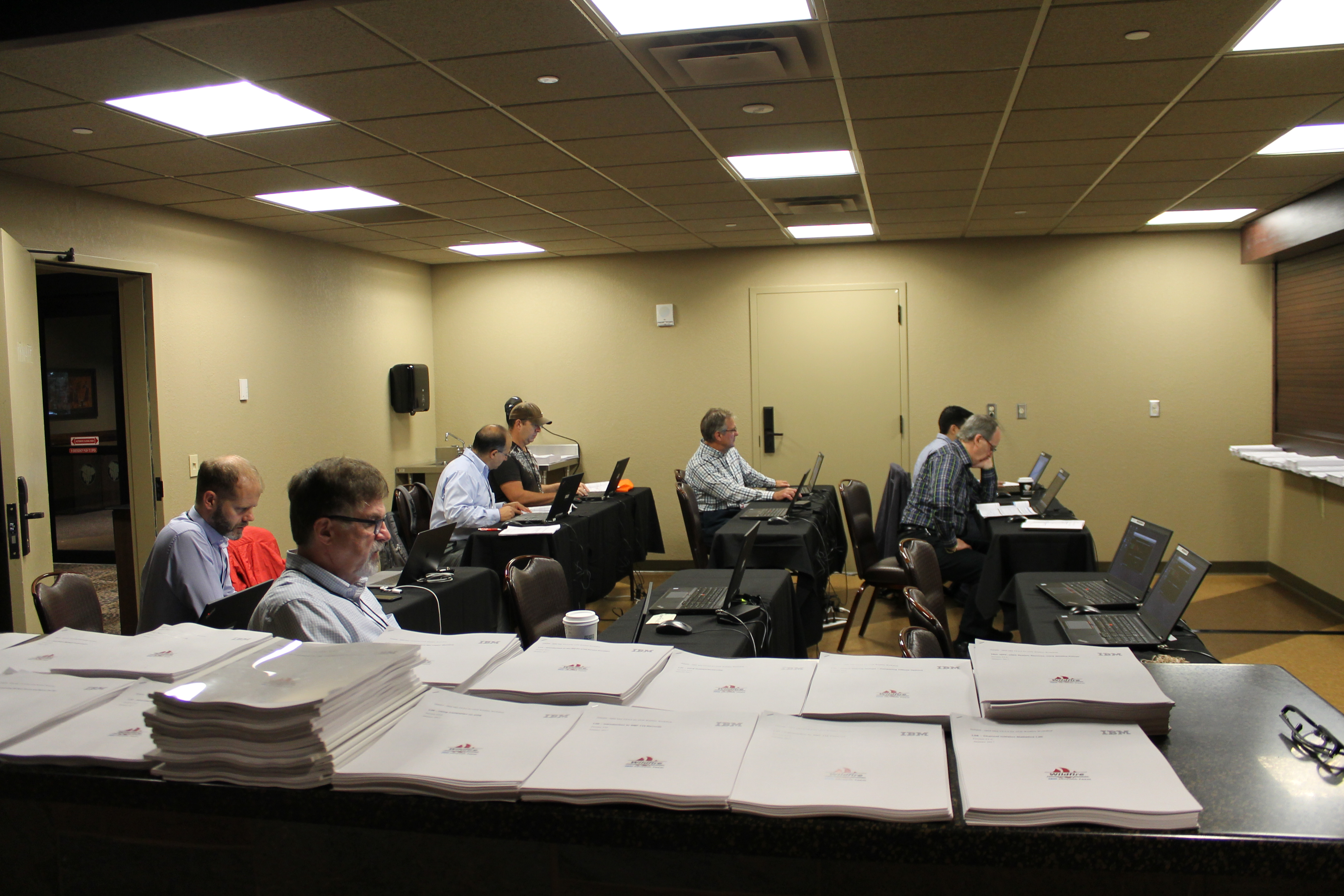
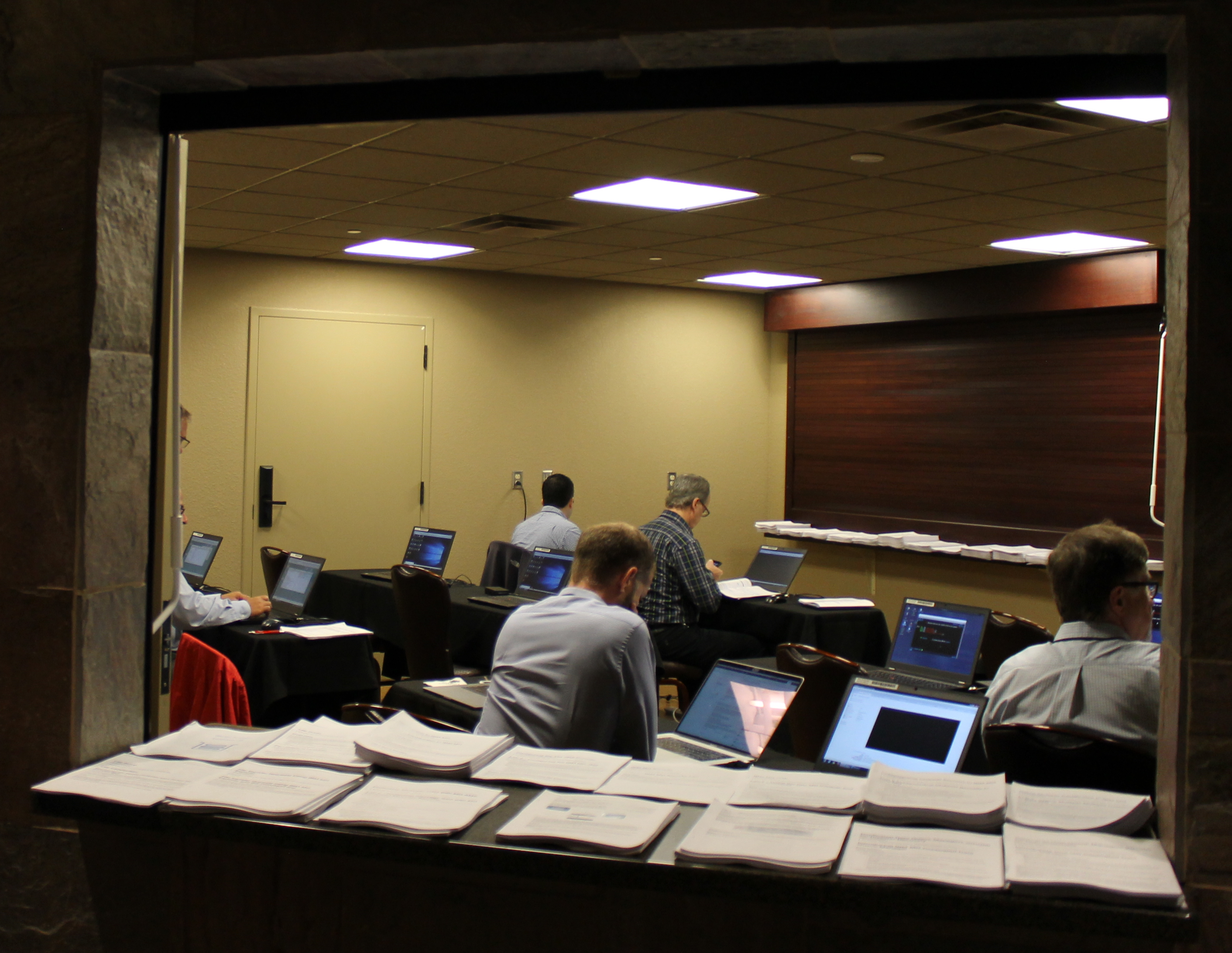
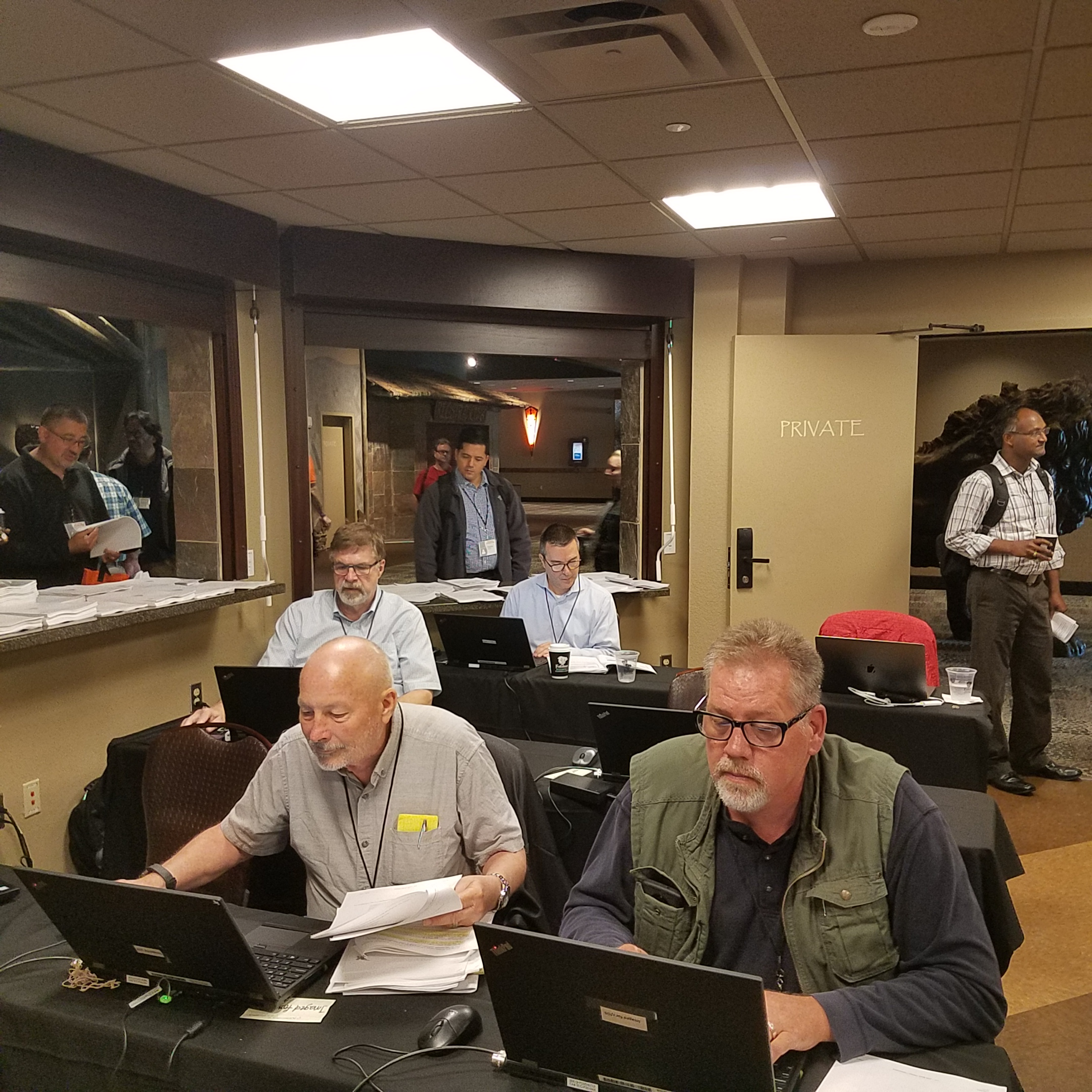
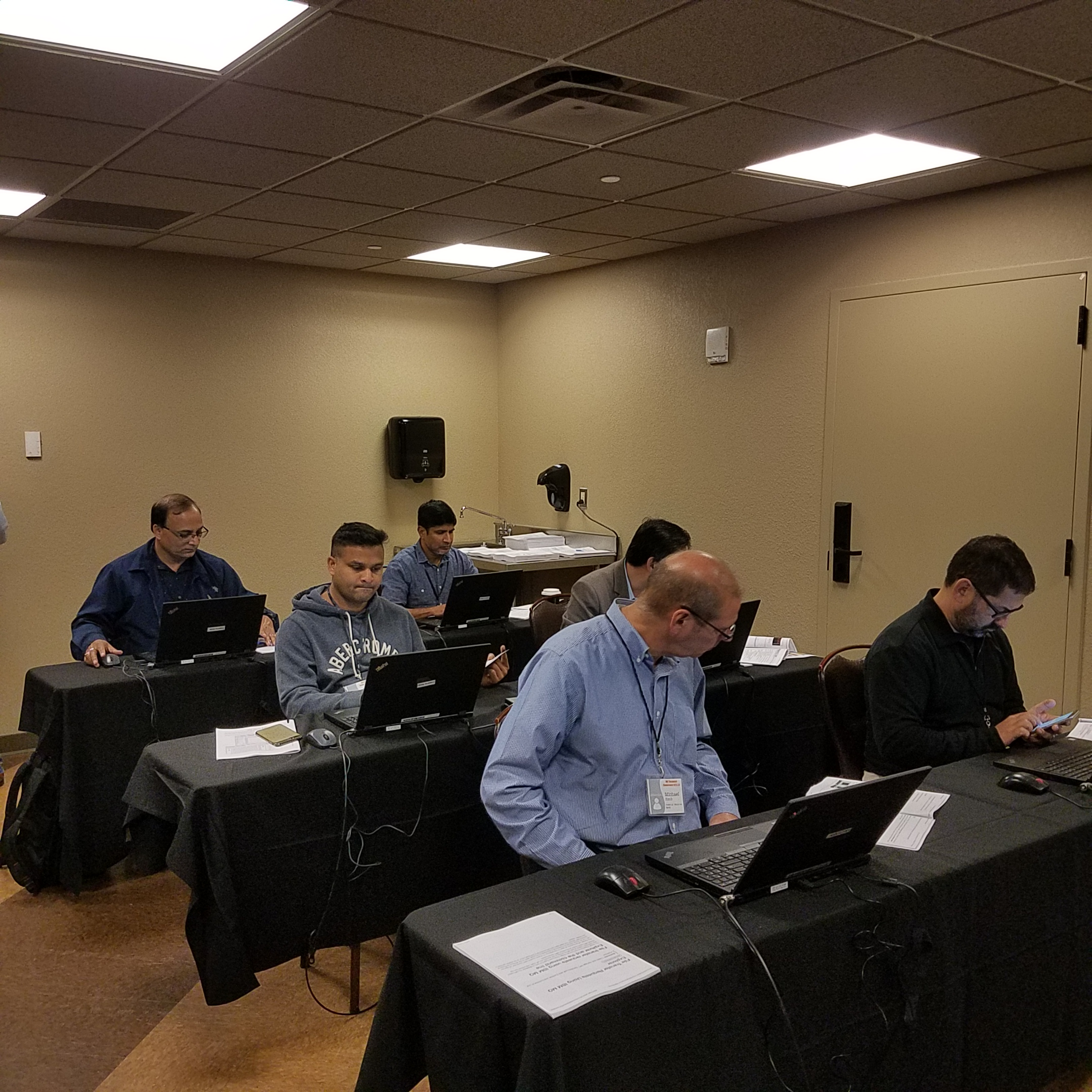
For those who don’t know, IBM sends laptops and lab materials to MQ Technical Conference (MQTC) for attendees to do FREE hands-on training. The MQ Lab was open to attendees all day Monday and Tuesday.

I would like to thank Lyn Elkins, Jack Carnes Jr and Mitch Johnson from IBM for doing an awesome job in the MQ Lab. The MQ Lab is worth the price of admission to MQTC not to mention, there are 71 technical sessions (& 15 vendor sessions) at MQTC.

MQ Lab pictures (click on the image to see a larger picture):

    Here is a list of all of the FREE labs for distributed platforms that were available at MQTC:

  • Introduction to IBM MQ
  • Using the MQ Explorer
  • Configuring the IBM MQ JMS Provider
  • Publish / Subscribe Administration
  • IBM MQ Security
  • Using the IBM MQ Console and REST Interfaces
  • Implementing Channel Security in IBM MQ
  • Using Multiple Certificates in IBM MQ
  • Protecting Message Data with IBM MQ Advanced Message Security
  • Configuring a IBM MQ Managed File Transfer Environment
  • Creating File Transfer Requests Using IBM MQ Explorer and Command Line
  • Creating a Sales Force Developer Account
  • IBM MQ Salesforce Bridge
  • IBM MQ on Cloud
  • RDQM for High Availability
  • RDQM for Disaster Recovery
    Here is a list of all of the FREE labs for z/OS that were available at MQTC:

  • Comparing buffers above and below the bar
  • Advantages of having enough fixed pages
  • Developing and Deploying JMS Enable CICS Applications
  • Using CAPEXPRY on z/OS
  • Introduction to SMF115 Records
  • Introduction to SMF116 Records
  • Channel Initiator Statistics Lab
  • z/OS Queue Manager Customization
  • z/OS Advanced Message Security
  • Implementing z/OS Queue Manager Security
  • Introduction to CICS Trigger Monitors
  • CICS Publish and Subscribe
  • Queue Sharing Group Comparing Offload Options

Big News: Lyn Elkins told me that they were so busy in the MQ Lab that for next year’s MQ Technical Conference, they will run the MQ labs for the entire 3 days of the conference!

Regards,
Roger Lacroix
Capitalware Inc.
Education, IBM MQ, MQ Technical Conference Comments Off on MQ Lab at MQ Technical Conference v2.0.1.8

And Now The End Is Near for MQ on HP-UX and Solaris

During David Ware’s “What’s New in IBM MQ?” session at MQ Technical Conference v2.0.1.8, the following was announced (see slide 46 of the PDF):

  • IBM MQ on HP-UX
    • Not on CD stream: Last release: MQ V9.0 LTS
    • Statement of Direction: No further releases.

  • IBM MQ on Solaris
    • Not on CD stream: Last release: MQ V9.1 LTS
    • Statement of Direction: No further releases after 9.1.

So, if you are using MQ on HP-UX and/or Solaris, then you may want to plan new hardware upgrades, so that you don’t get left behind.

Regards,
Roger Lacroix
Capitalware Inc.
IBM MQ, Unix Comments Off on And Now The End Is Near for MQ on HP-UX and Solaris

Third Day of MQ Technical Conference

Richard Nikula presenting ‘If you can’t clone yourself, Delegate!’ session:

Rob Sordillo presenting the ‘REST Easy with Infrared360’ session:

Krista Valentine presenting the ‘Licensing Lingo – The Users Guide to IBM Licensing’ session:

Lunch:

Chris Frank presenting the ‘What’s new with Logging in IBM MQ?’ session:

Jonathan Levell presenting the ‘MQTT: The Protocol for the Internet of Things’ session:

Sam Goulden presenting the ‘MQ Administration, the Web Console, & REST API’ session:

Afternoon desserts:

Tim Zielke presenting the ‘MQ Data Conversion’ session:

Regards,
Roger Lacroix
Capitalware Inc.

Education, IBM MQ, MQ Technical Conference Comments Off on Third Day of MQ Technical Conference

Second Day of MQ Technical Conference

Suganya Rane presenting ‘MQ on AWS’ session:

Rob Parker presenting ‘Running MQ in the Cloud’ session:

MQ Labs:

Lunch:

Afternoon snacks – tortilla & pita chips served with 4 different dips

Mark Taylor presenting ‘Using Open Source solutions to monitor your queue managers’ session:

Tuesday evening in the Vendor Pavilion – cheesecake:

Regards,
Roger Lacroix
Capitalware Inc.

Education, IBM MQ, MQ Technical Conference Comments Off on Second Day of MQ Technical Conference

First Day of MQ Technical Conference v2.0.1.8

Opening Remarks:

Selfie:

David Ware presenting ‘What’s New in IBM Messaging’ session:

MQ Labs:

Lunch:

Sandeep Chellingi presenting ‘MQ High Availability and Disaster recovery Implementation scenarios’ session:

Afternoon desserts – ice cream social:

Glen Brumbaugh presenting ‘MQ, IIB, Docker, Kubernetes and the IBM Cloud’ session:

Monday evening in the Vendor Pavilion:


Regards,
Roger Lacroix
Capitalware Inc.

Education, IBM MQ, MQ Technical Conference Comments Off on First Day of MQ Technical Conference v2.0.1.8

Sunday at MQ Technical Conference v2.0.1.8

Sorry for the delay in getting the MQTC pictures posted but it has been a very busy.

Registration & Welcome Social for MQTC v2.0.1.8:

And everybody got a bag of cool (hopefully) swag:

Regards,
Roger Lacroix
Capitalware Inc.

Education, IBM MQ, MQ Technical Conference Comments Off on Sunday at MQ Technical Conference v2.0.1.8

SQLite v3.25.0 Released

D. Richard Hipp has just released SQLite v3.25.0.
http://www.sqlite.org/news.html

SQLite is a software library that implements a self-contained, serverless, zero-configuration, transactional SQL database engine. SQLite is the most widely deployed SQL database engine in the world. The source code for SQLite is in the public domain.

Regards,
Roger Lacroix
Capitalware Inc.

C, Database, IBM i (OS/400), Linux, macOS (Mac OS X), Open Source, Programming, Unix, Windows, z/OS Comments Off on SQLite v3.25.0 Released